06 / iOS / Approved
Eddy
Blocking a distracting app can stop your thumb, but it does not answer the awkward question that follows: what now? Eddy starts there. Before the reflex hits, you choose a better place to go.

01
Decide while you are calm
Eddy is for the moment when you open an app almost without deciding to. You choose which apps to block and give each one a destination ahead of time, such as another app or a website you would rather visit. The choice happens before the habit does, when it is easier to be intentional.
02
Put a path beyond the wall
When you tap a blocked app, a custom Screen Time shield interrupts the usual route and offers the redirect you picked. iOS controls the handoff, so Eddy uses a notification and deep-link path rather than pretending it can instantly move you between apps. Every block needs a destination because a dead end is rarely enough to change the next tap.
03
Keep the tool out of the way
The goal is not to give you another dashboard to obsess over. Eddy does not use points or streaks. It makes the plan clear, catches a reflexive open, and helps you continue with something else. Even turning a block off is a deliberate step, giving you a moment to notice the choice without making the product feel punitive.
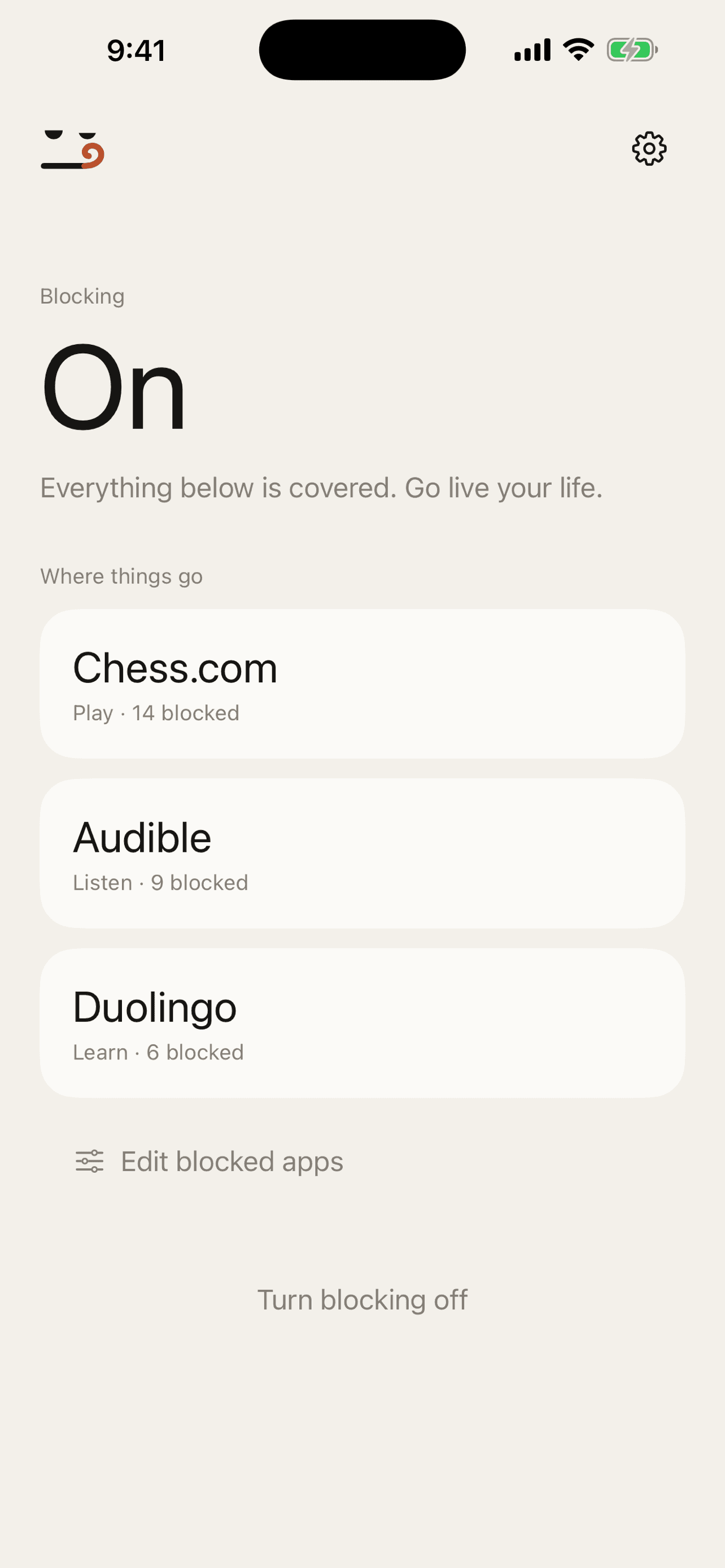
An automatic habit can have a different next step.
 Kapture AI