02 / iOS
Ease
Sometimes a spare minute does not need a goal, a lesson, or another notification. Ease is a touch-first fidget space for the person who just wants to move their fingers, watch the response, and take a small break.

01
A moment with no finish line
Ease is deliberately not a game or a habit tracker. There is nothing to win, no streak to protect, and no timer telling you when to stop. You open the canvas, touch it for as long as you like, and leave. That restraint matters because the product is meant to fit into the small spaces between everything else, not become another thing asking for your attention.
02
Let the gesture set the pace
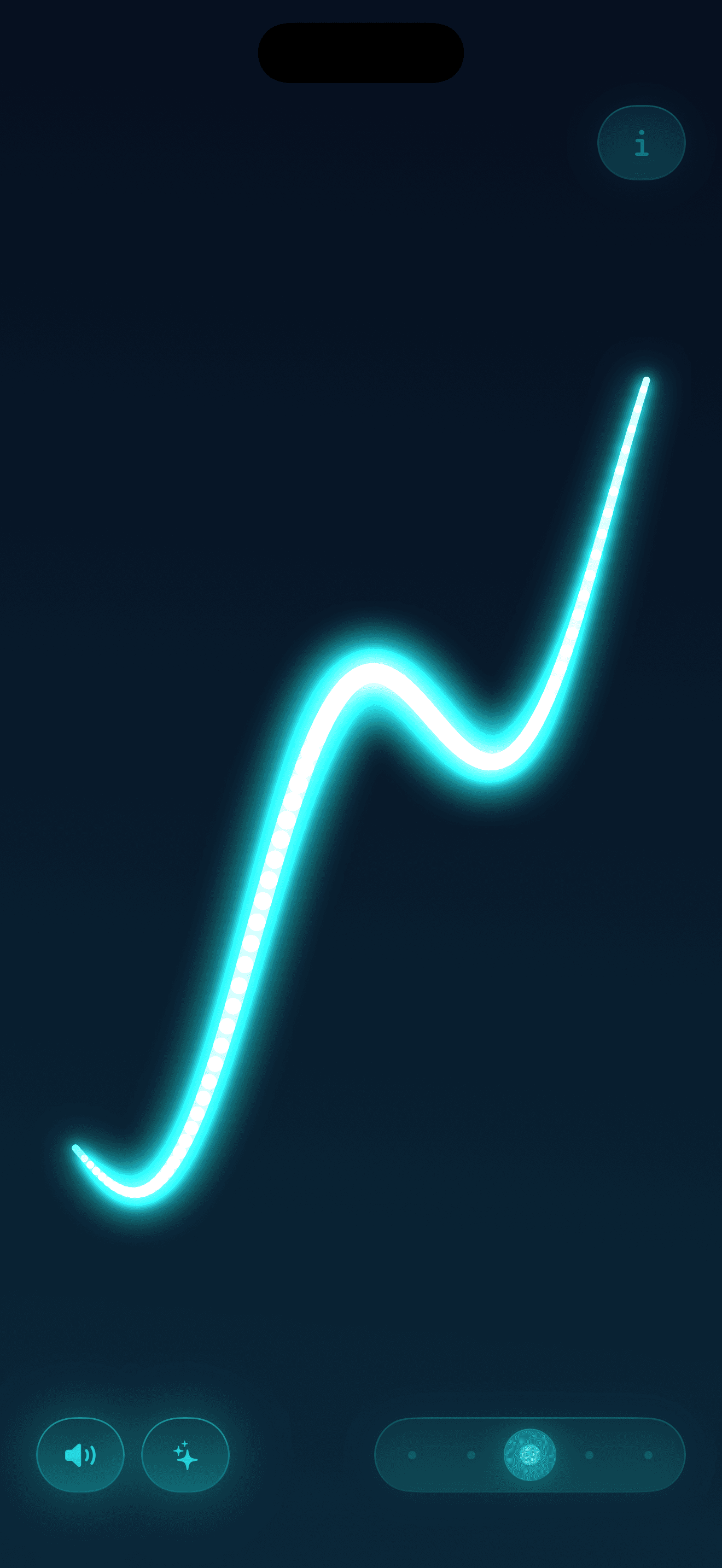
Your fingers leave glowing trails across a dark canvas. Movement shapes the light, optional ambient sound sets the background, and supported iPhones add gentle haptic taps that make the feedback feel physical. The visual, audio, and touch layers are designed to belong together, so the interaction can stay simple even as the details change beneath your fingers.
03
Respect the device in your hand
On iPhone, the haptics are part of the experience. On iPad, where that physical feedback is not available in the same way, the canvas still works through multi-touch, light, and optional ambient sound. The product does not claim to treat anything or ask for an account. It offers a small sensory interaction and lets the user decide what to make of it.
A small space to do less, and feel a little more.
 Phonemo.live